1) Download: VirtualBox (Image is 32 bit, but 32 bit or 64 bit VirtualBox will work)
2) Download Virtual Machine: Debian-gEDA-Minimal.ova
3) Add the VDI to your Virtual Box: File, Import Appliance, and select the OVA file.
4) Create a shared folder in the VM's settings.
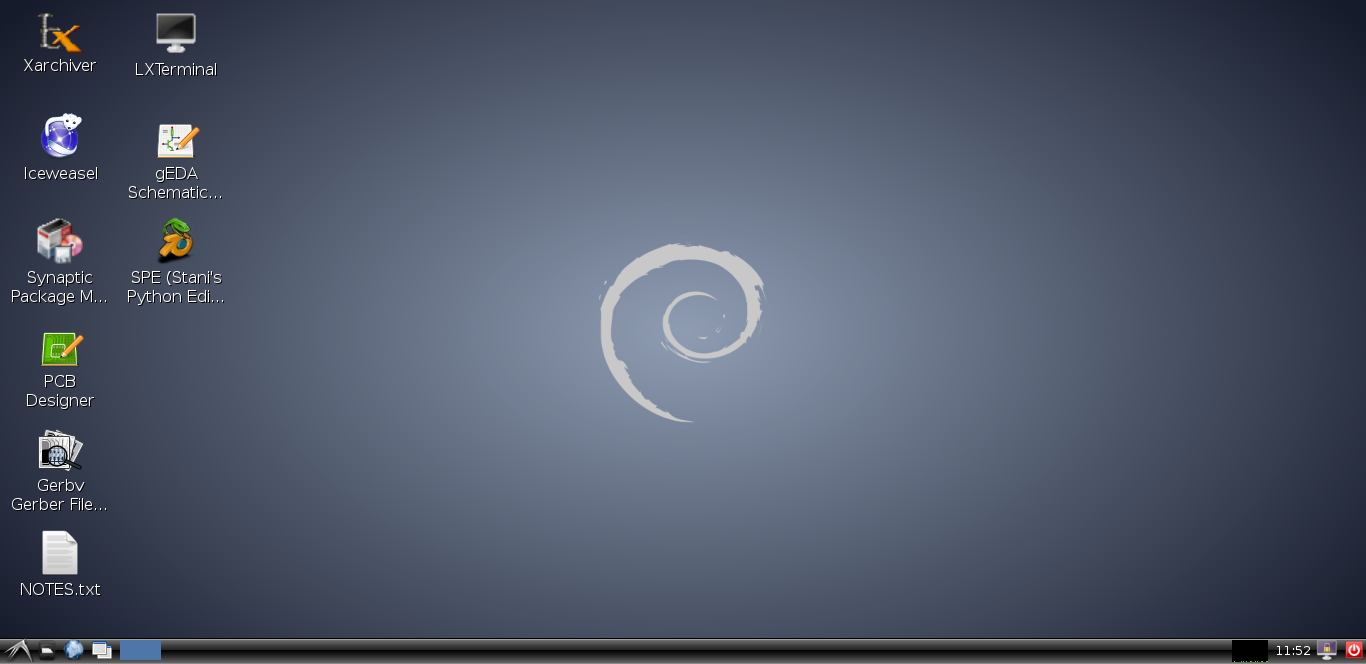
5) Launch. After booting - the following screen will be presented:
NOTE - NOTE - NOTE : In order to shutdown the VM, go to the File menu and select ACPI Shutdown.